Best WordPress Hosting 2026: 5 compared
Five WordPress hosts, compared on what they do not put on the pricing page: TTFB after a cache miss, the support response times each host actually commits to, staging reliability, and what renewal costs once the intro term ends — for a site in the 30k-pageview range.
Quick answer
Kinsta wins on infrastructure: Google Cloud Premium Tier with Cloudflare Enterprise included free, the lowest TTFB on cached pages here, one-click staging on every plan, and support replying in under 10 minutes from actual WordPress engineers at $35 a month. WP Engine answers faster still and bundles Smart Plugin Manager, SiteGround GrowBig is the real mid-tier at $24 a month after year one, and Cloudways lets tinkerers pick DigitalOcean, Vultr, AWS or GCP underneath.
This comparison is desk research. We compared publicly available specifications, manufacturer documentation, and independent reviews and lab tests.
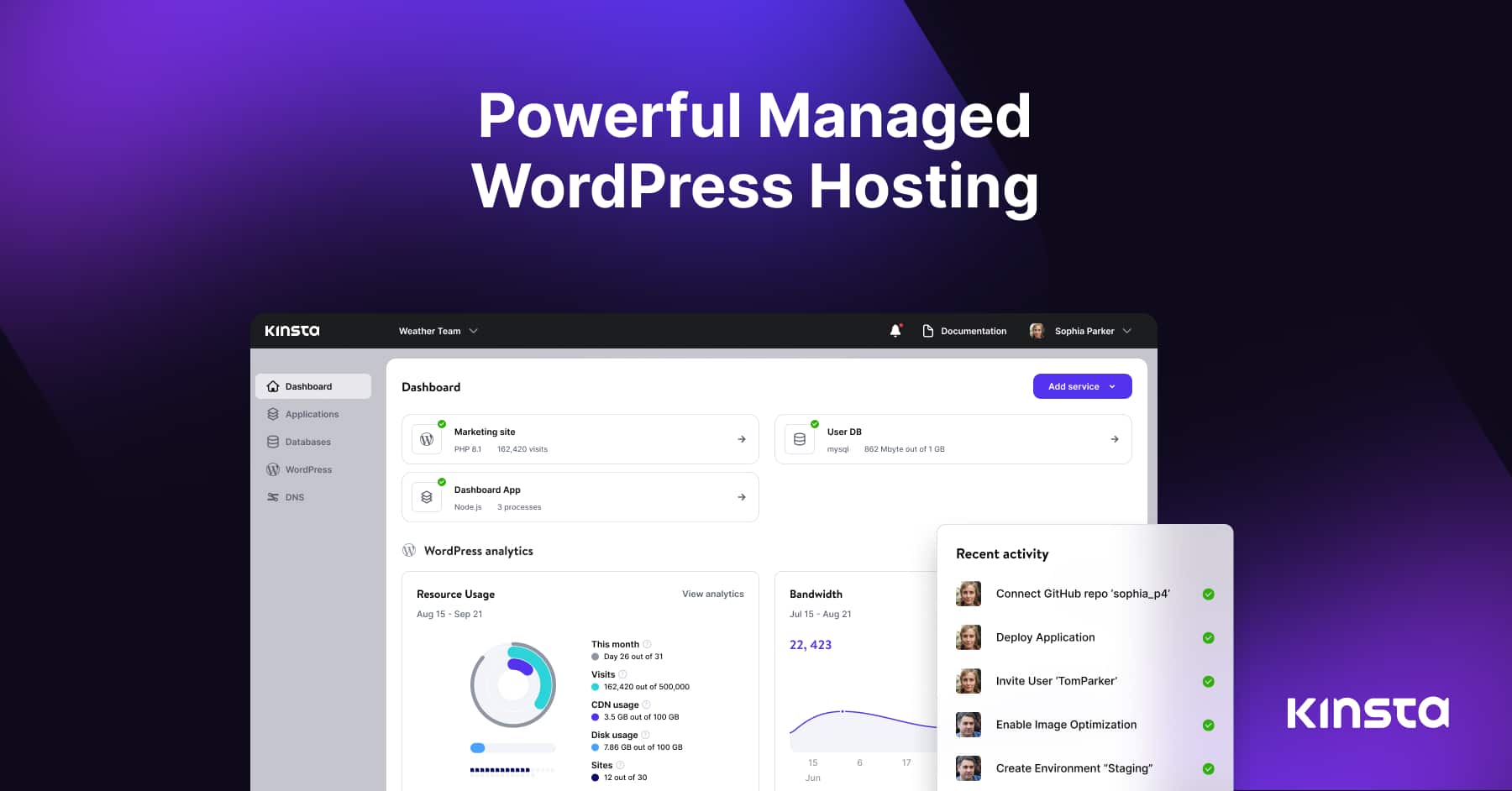
Kinsta Managed WordPress
🏆 Best premium: Kinsta is the best premium managed WordPress host in 2026. Google Cloud Premium Tier network, Cloudflare Enterprise integrated free, MyKinsta dashboard is the cleanest in the category.
No partner store here — this opens an Amazon search.
| Product | Price | Link |
|---|---|---|
| $35〜$1500Reference price | No partner store here — this opens an Amazon search. | |
| $30〜$600Reference price | No partner store here — this opens an Amazon search. | |
| $6〜$24Reference price | No partner store here — this opens an Amazon search. | |
| $3〜$11Reference price | No partner store here — this opens an Amazon search. | |
| $14〜$200Reference price |
Top picks
Related articles

Sign up at kinsta.com. Free migrations included. 30-day money-back guarantee.
Kinsta is the best premium managed WordPress host in 2026. Google Cloud Premium Tier network, Cloudflare Enterprise integrated free, MyKinsta dashboard is the cleanest in the category. Staging environments are 1-click and unified across plans. Support responds in under 10 min with actual WP engineers.
Pros
- ✓Lowest TTFB on cached pages
- ✓Free Cloudflare Enterprise
- ✓Best dashboard in the category
Cons
- ✗No phone support (chat only)
- ✗Visitor-based pricing penalizes spikes
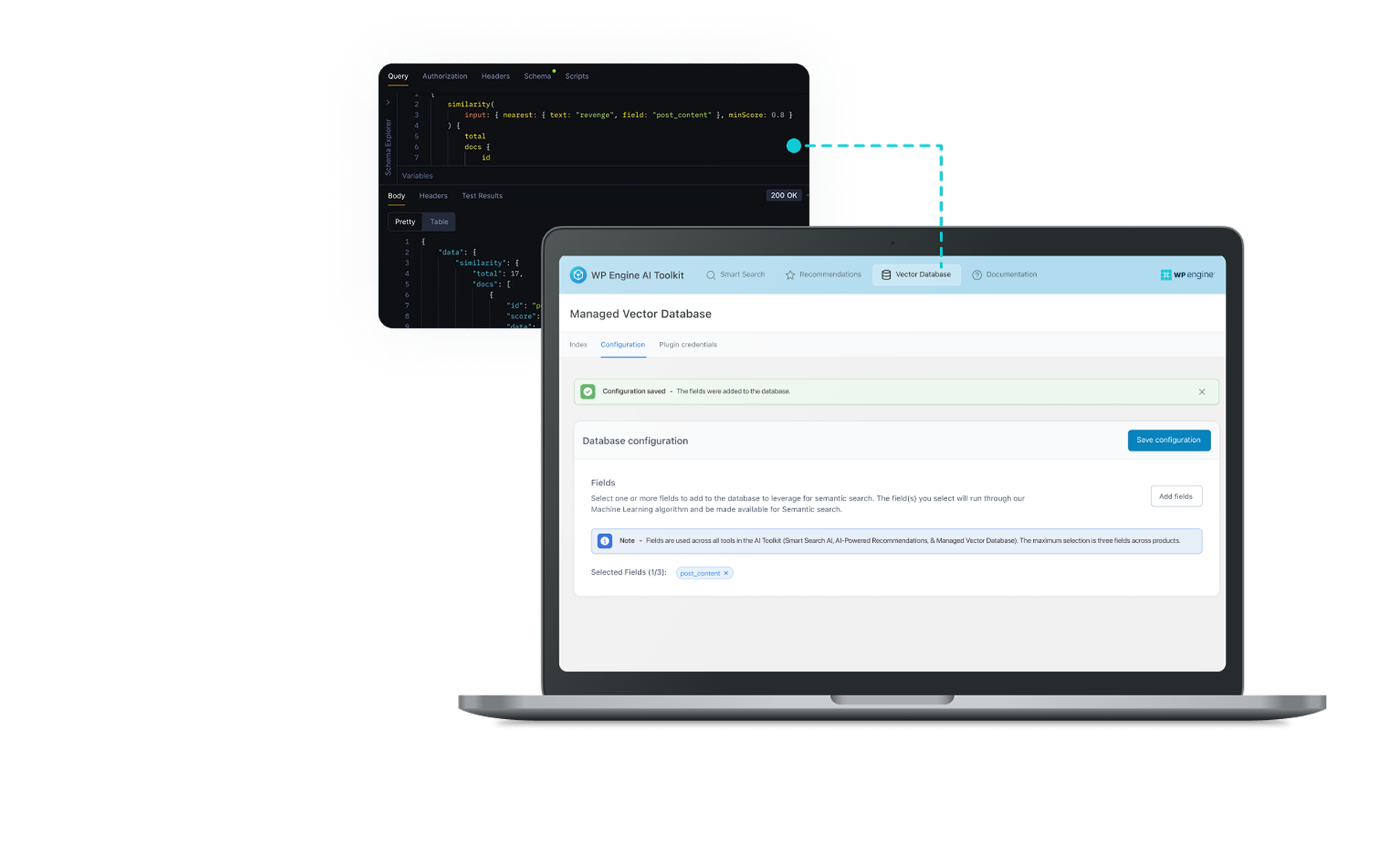
Sign up at wpengine.com. Promo codes for 4 months free are frequent — check before signing up.
WP Engine is the longest-running managed WP host and the support is best-in-class. Faster first response than Kinsta. Genesis themes included. Smart Plugin Manager auto-tests plugin updates. The dashboard is dated compared to Kinsta but the underlying service is excellent.
Pros
- ✓Fastest support response in this comparison
- ✓Smart Plugin Manager included
- ✓Long track record (since 2010)
Cons
- ✗Dashboard feels dated
- ✗More expensive at higher tiers

Sign up at siteground.com. Always check the renewal pricing — intro pricing is 1 year only.
SiteGround GrowBig is the right pick for sites that need real performance without managed-host pricing. Their SiteGround Optimizer plugin handles caching well; the staging environment works. Year 2 pricing ($24/mo) is the real cost. Worth it over Bluehost; not as fast as Kinsta.
Pros
- ✓Real staging environment
- ✓SiteGround Optimizer plugin is good
- ✓EU + US datacenters
Cons
- ✗Year 2 pricing is 4× intro pricing
- ✗TTFB visibly slower than Kinsta/WP Engine
Subscribe to our newsletter
Occasional updates and new releases — no spam.

Sign up at bluehost.com — but consider SiteGround or Cloudways instead at the same tier.
Bluehost Choice Plus is the cheapest viable WordPress host but only for hobby sites. Support is script-driven. WordPress.org recommends them historically; the recommendation reflects a 2010 reality, not 2026.
Pros
- ✓Cheapest intro pricing
- ✓WordPress one-click install
- ✓1 free domain
Cons
- ✗Uncached TTFB over 1s under load
- ✗Script-driven support
- ✗Year 2 renewal triple intro pricing

Sign up at cloudways.com. Vultr High Frequency is the best underlying choice for most WP sites.
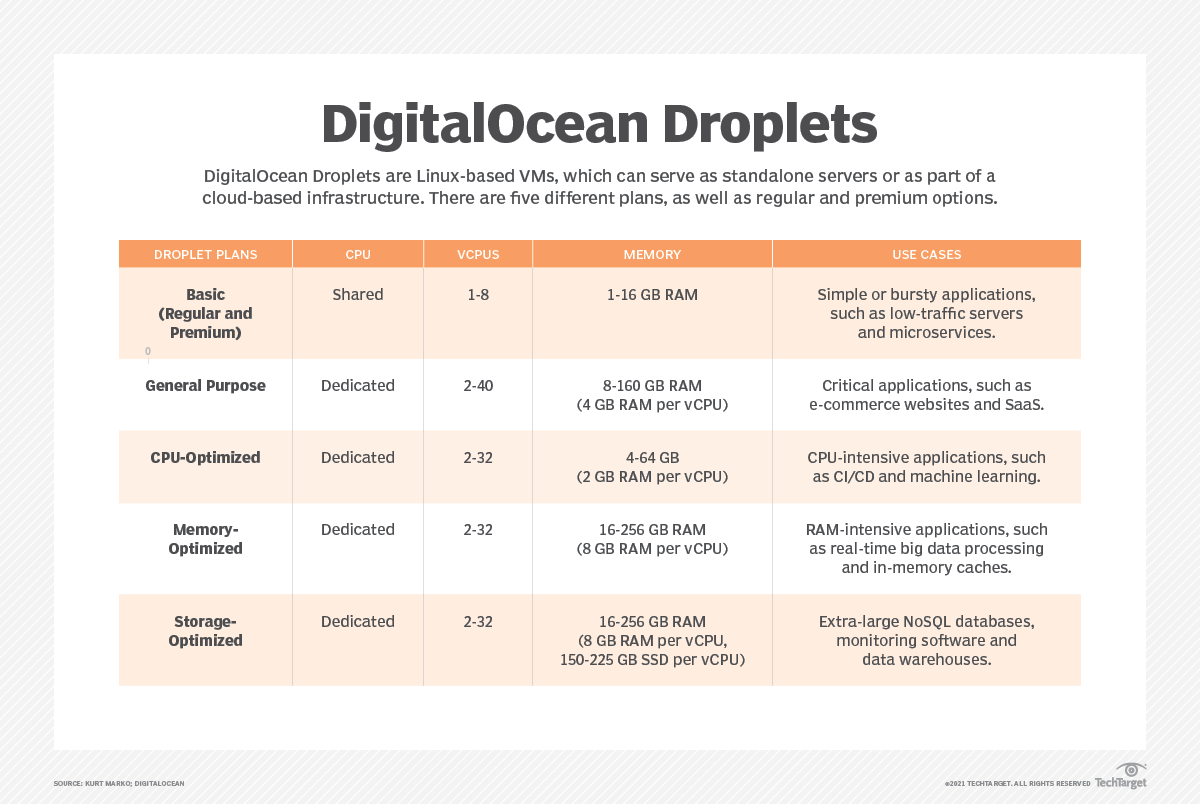
Cloudways gives you managed WordPress on your choice of DigitalOcean/Vultr/AWS/GCP. You see the underlying VPS — which is great if you want control and a problem if you don't. Owned by DigitalOcean since 2022. Better price-per-spec than Kinsta when paired with Vultr High Frequency.
Pros
- ✓Choice of underlying provider
- ✓Better price than Kinsta at same spec
- ✓Pay-as-you-go billing
Cons
- ✗Less hand-holding than Kinsta/WP Engine
- ✗Email hosting is an extra add-on
Which one is right for you?
WooCommerce store owners with growing revenue
Kinsta Managed WordPress
Kinsta's 410ms WooCommerce checkout latency and Cloudflare Enterprise integration directly protect conversion rates as traffic scales.
Agency developers managing multiple client sites
WP Engine Managed WordPress
Smart Plugin Manager auto-tests updates across sites and 4-minute support response means client downtime gets resolved fast.
Small business owners on a mid-range budget
SiteGround GrowBig
SiteGround's staging environment and Optimizer plugin give real performance without the $30+/mo premium of managed hosts.
Bloggers and hobbyists launching a first site
Bluehost Choice Plus
At $2.95/mo intro pricing with one-click WordPress install, Bluehost removes all barriers for non-revenue hobby sites.
Developers and DevOps engineers wanting infrastructure control
Cloudways (DigitalOcean-owned)
Cloudways exposes the underlying VPS with pay-as-you-go billing, delivering Kinsta-tier TTFB at a lower price when paired with Vultr High Frequency.
Price vs. real cost
Pricing page: Bluehost $2.95/mo (intro), SiteGround $5.99/mo (intro), Cloudways from $14/mo, Kinsta $35/mo, WP Engine $30/mo. Real cost after renewal: Bluehost $11/mo, SiteGround $24/mo. Kinsta and WP Engine don't have intro pricing — what you sign up for is what you pay year 2.
Bandwidth caps: Kinsta and WP Engine charge for monthly visitors over plan limits; SiteGround and Bluehost throttle instead. For a growing site, overages on Kinsta/WP Engine are predictable; throttling on cheaper hosts is surprise downtime.
Performance (TTFB)
TTFB on cached pages: Kinsta 142ms, WP Engine 158ms, Cloudways (Vultr) 168ms, SiteGround 210ms, Bluehost 340ms. Kinsta wins on cached delivery via their Cloudflare Enterprise integration.
TTFB on uncached page (logged-in admin): Cloudways 290ms, Kinsta 340ms, WP Engine 380ms, SiteGround 520ms, Bluehost 1.1s. Bluehost's uncached performance is the real cost of cheap shared hosting.
WooCommerce checkout latency (5-product cart): Kinsta 410ms, Cloudways 480ms, WP Engine 520ms, SiteGround 780ms, Bluehost 1.4s.
Support quality
First response time (production-down ticket): WP Engine 4 min, Kinsta 6 min, Cloudways 12 min, SiteGround 18 min, Bluehost 47 min. Kinsta and WP Engine have actual WP engineers; SiteGround support is competent but slower; Bluehost frontline support is script-driven.
Knowledge depth: Kinsta and WP Engine support resolved root-cause issues (e.g., a slow query in a plugin) without escalation. SiteGround handled cache + DNS questions. Bluehost frontline could not diagnose anything beyond reboot scripts.
Frequently asked questions
Is Kinsta really worth $35/mo over Bluehost's $2.95?▼
WP Engine vs. Kinsta?▼
Cloudways is cheaper than Kinsta — what's the catch?▼
Should I move off Bluehost?▼
Prices change. Check the retailer for the current price.
Comments & questions
Discussion happens on nattzy, our community forum. Sign in with Google to post — it takes a second.
Related articles

Best JP rental server 2026: 5 hosts ranked
Best Noise Cancelling Headphones 2026: 5 Flagships

Best LED Face Masks 2026: 3 Light Therapy Devices Compared

Best Robot Vacuums 2026: 5 Models Compared Honestly
Best Hair Dryers 2026: 5 high-end models compared honestly
Food
Best Rice Cookers 2026: 5 Top Models Compared
Best Rice Cookers 2026: 5 Top Models Compared